LVL2 tattoo booking software for artists and studios
Built by a full-time tattooer
Built for the artists that built the culture.
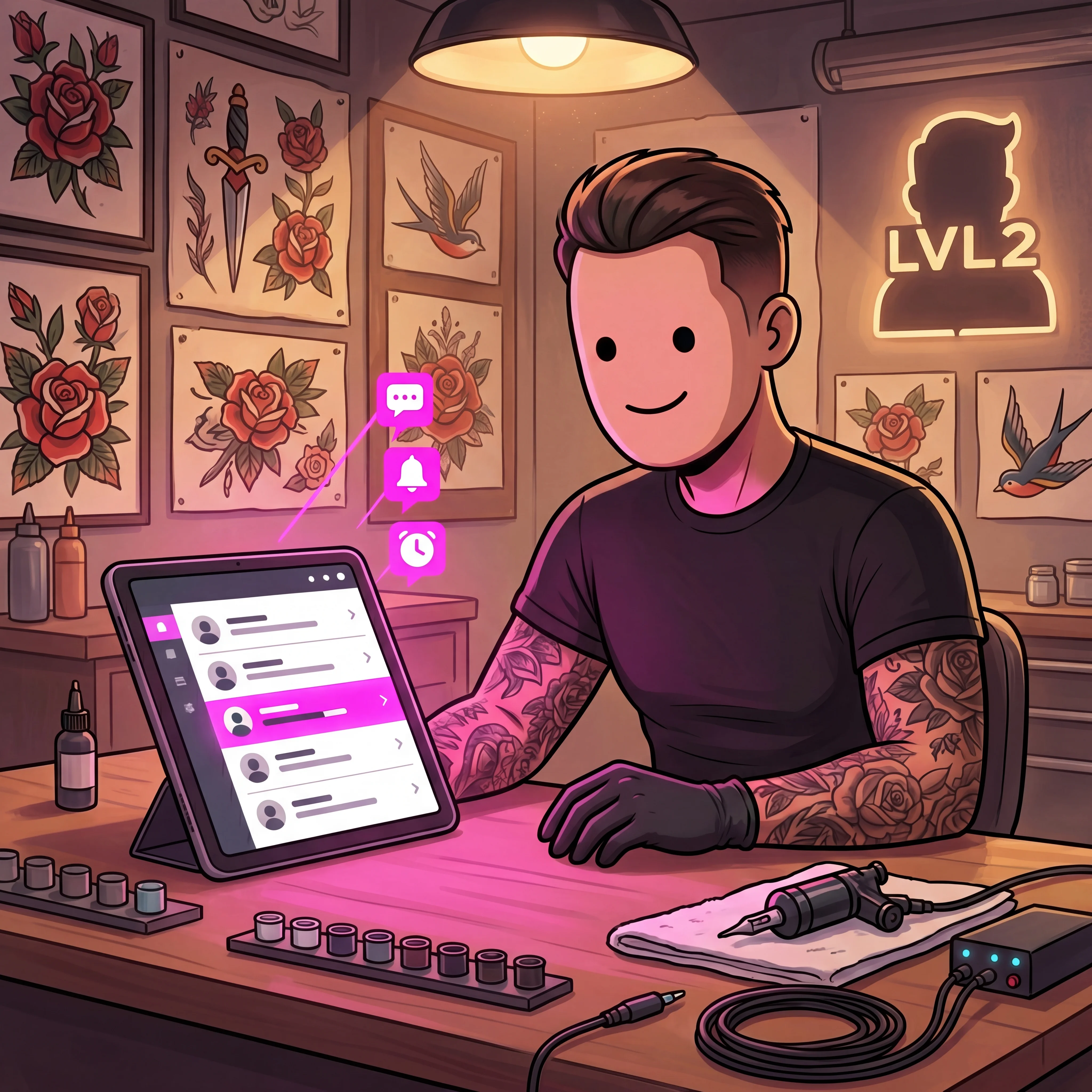
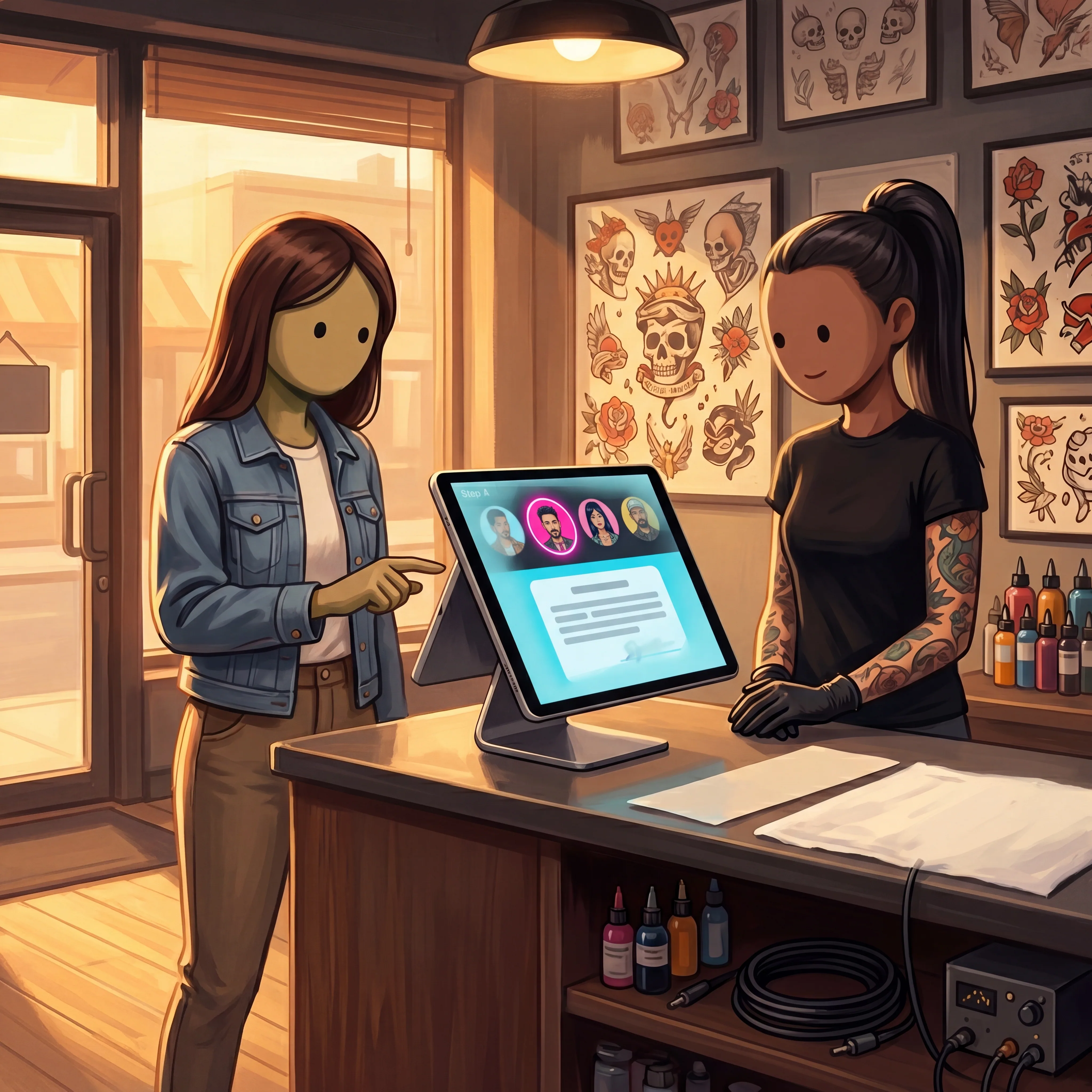
A booking isn't booked until the deposit lands. LVL2 pulls requests, deposits, waivers, and reminders into one shop flow — so you stop chasing DMs and stop eating no-shows.
RUN THE SHOP WITHOUT CHASING EVERY LOOSE END
Every booth runs deposit-first. Invite your artists, lock the deposit before a slot is held, and keep bookings, flash days, and clients in one place — no loose ends to chase.
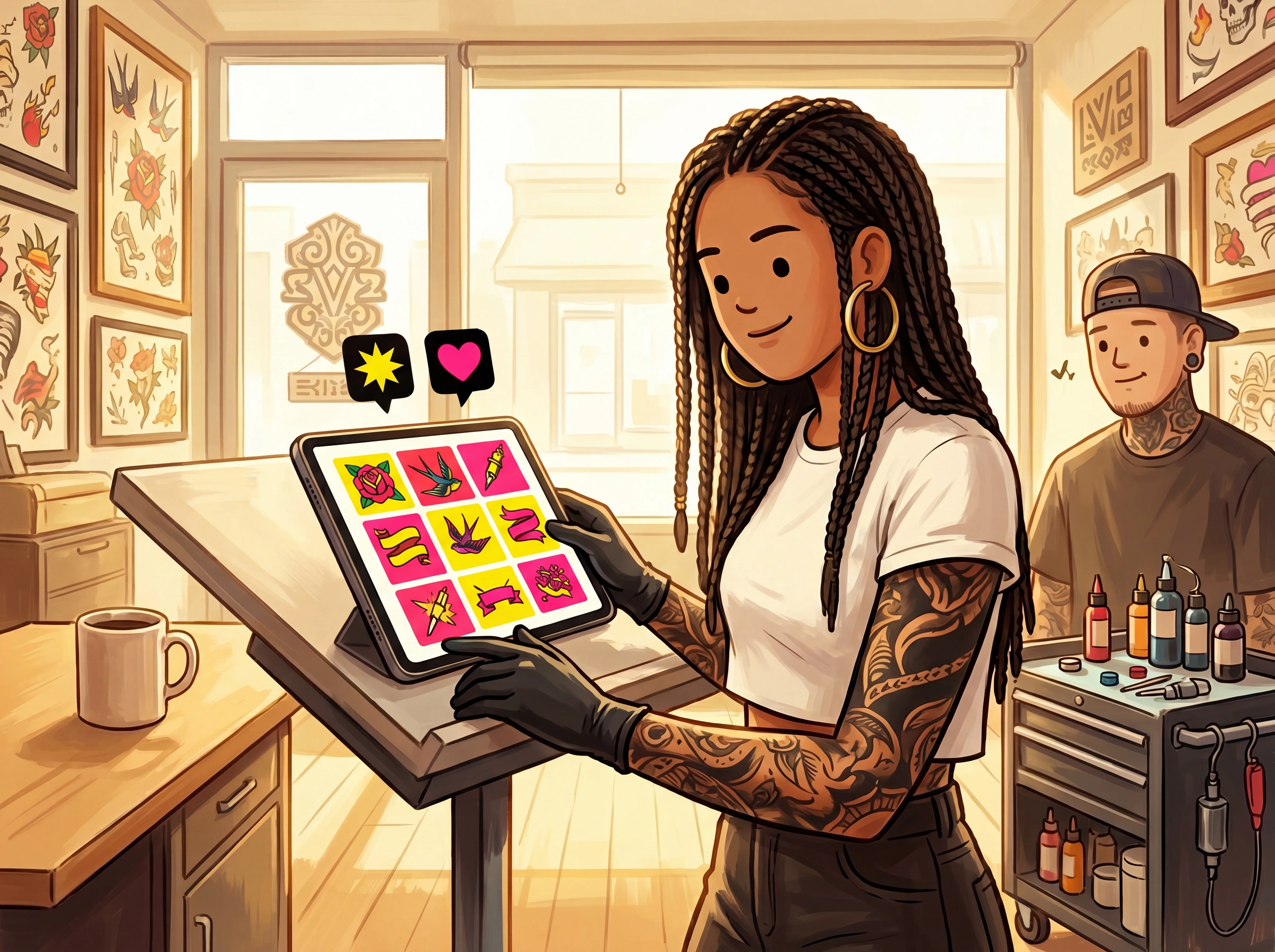
Upload a sheet, number the designs, set the day, and let clients claim before they walk in.
Claims · SlotsStatus · LiveWaitlist · Built-in
/ 03
Print-on-demand merch beside your profile
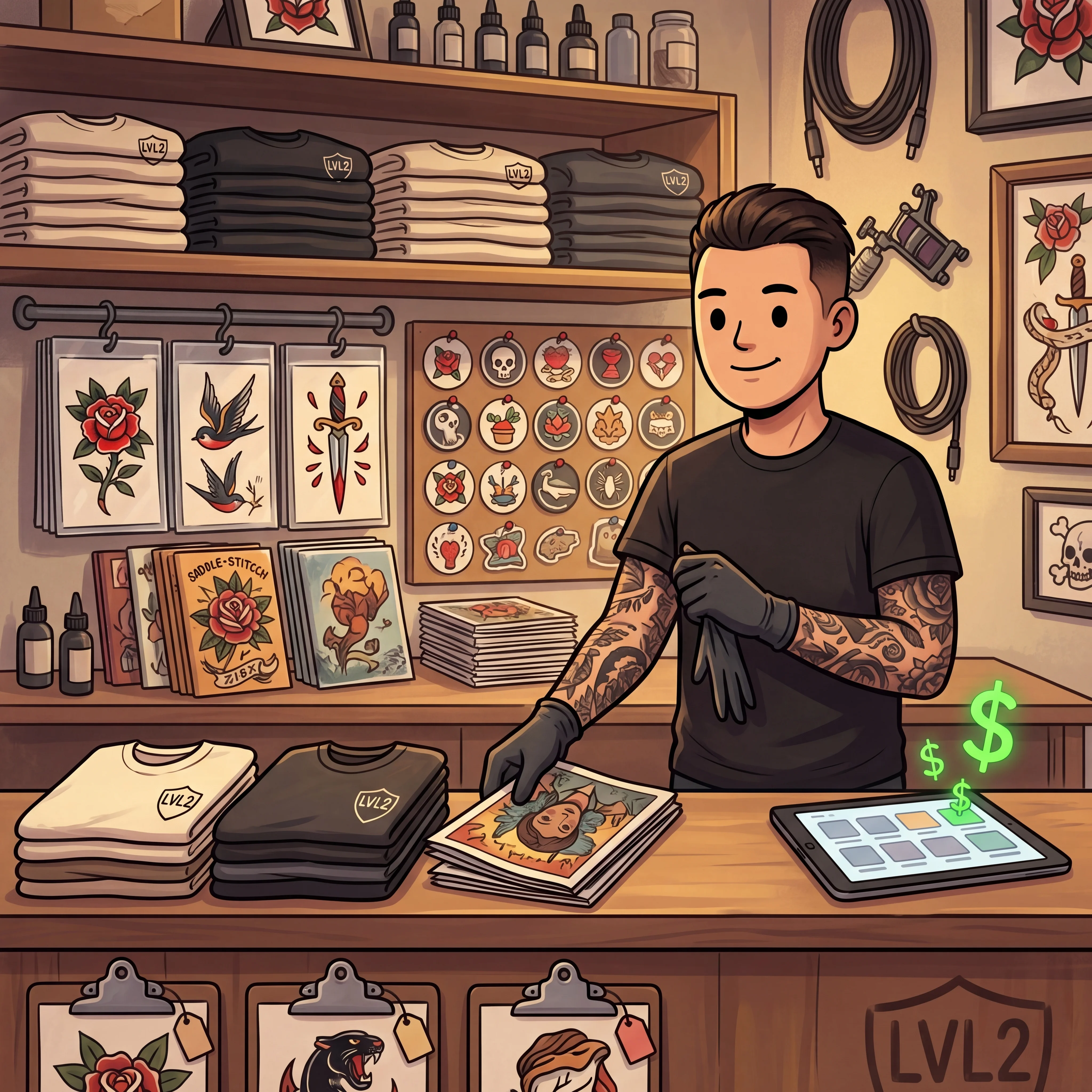
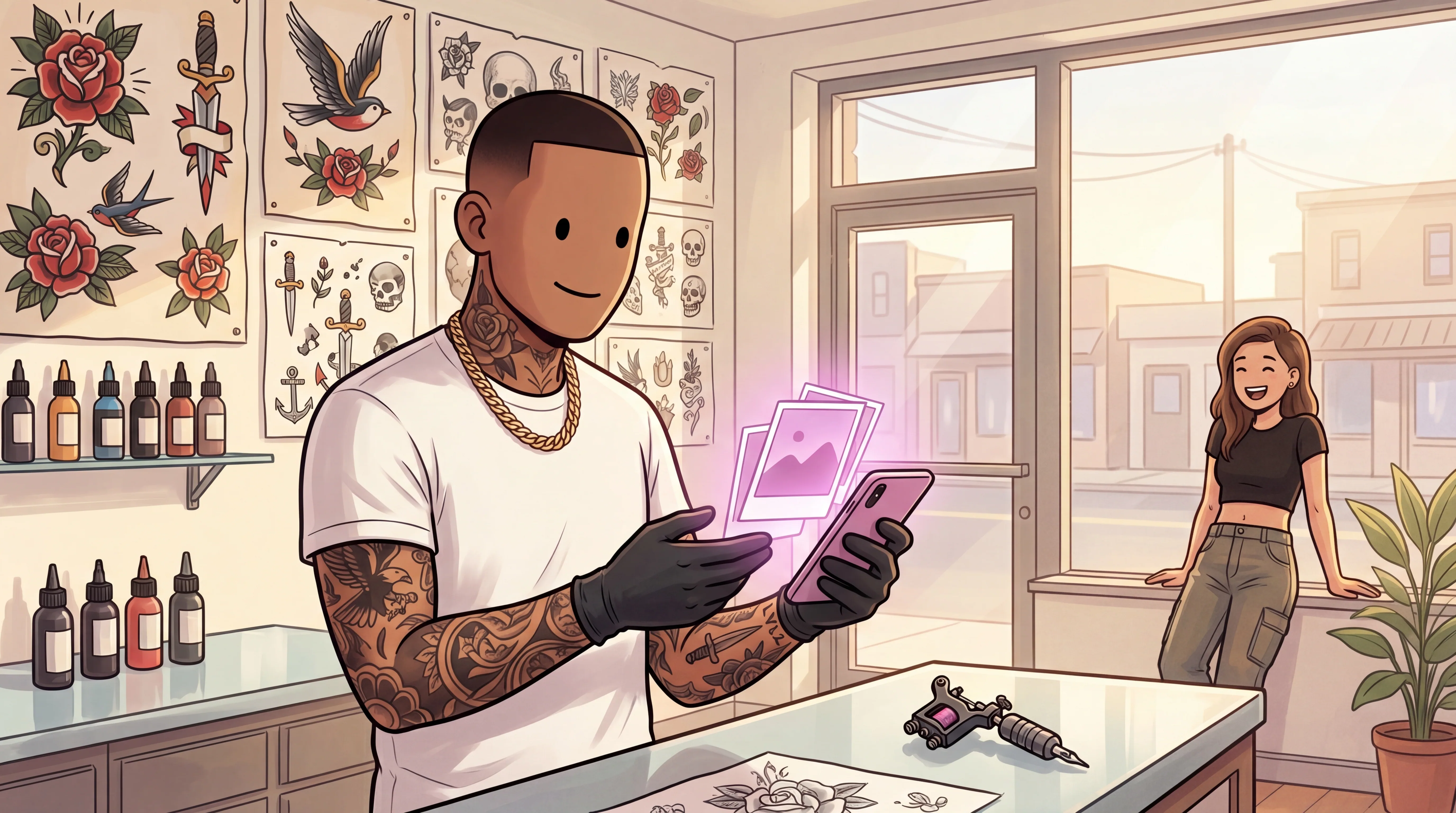
Turn your art into shirts, prints, stickers, and more without buying inventory. Products print, pack, and ship when a client orders.
Fulfill · LVL2 prints + ships
/ 04
Deposits without the chase
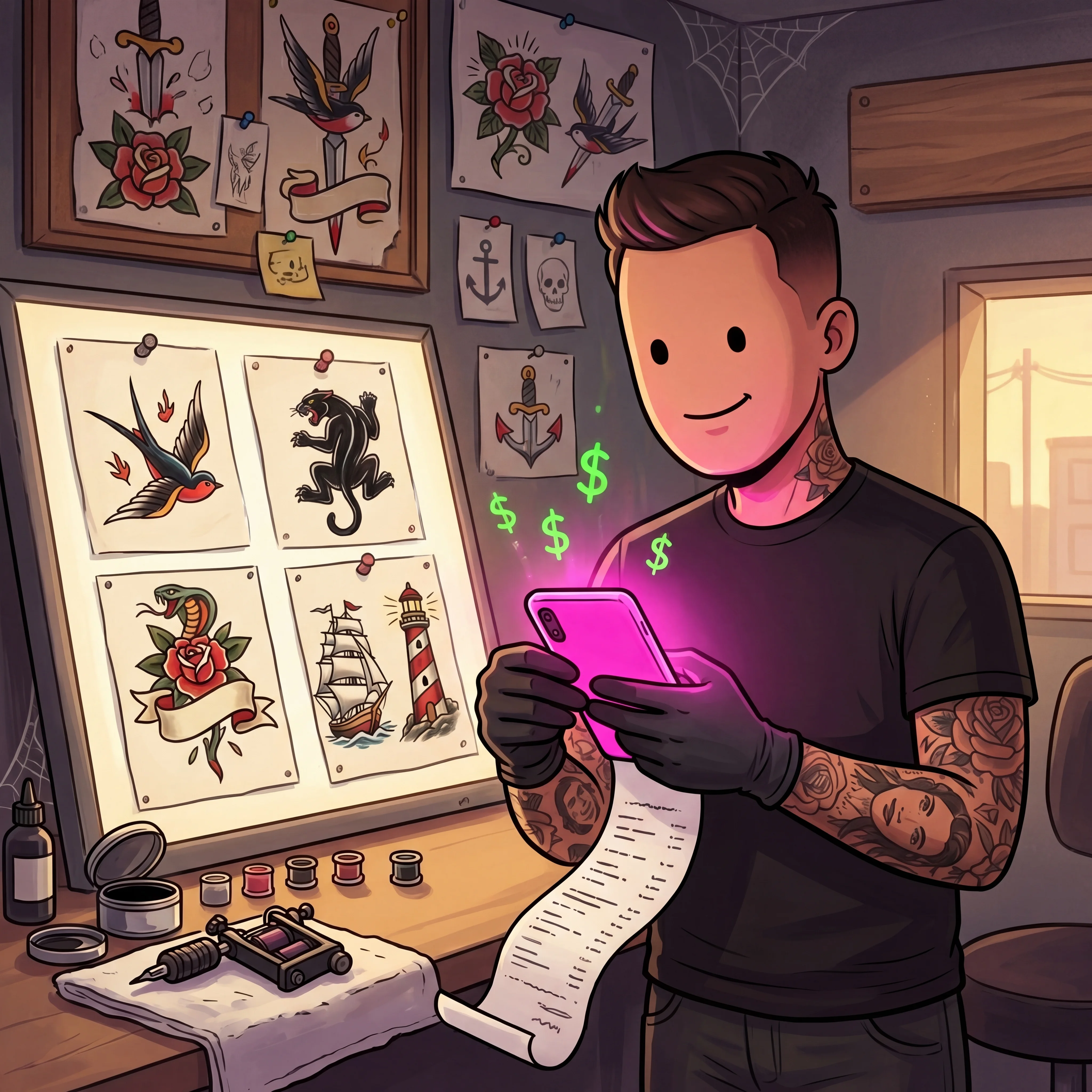
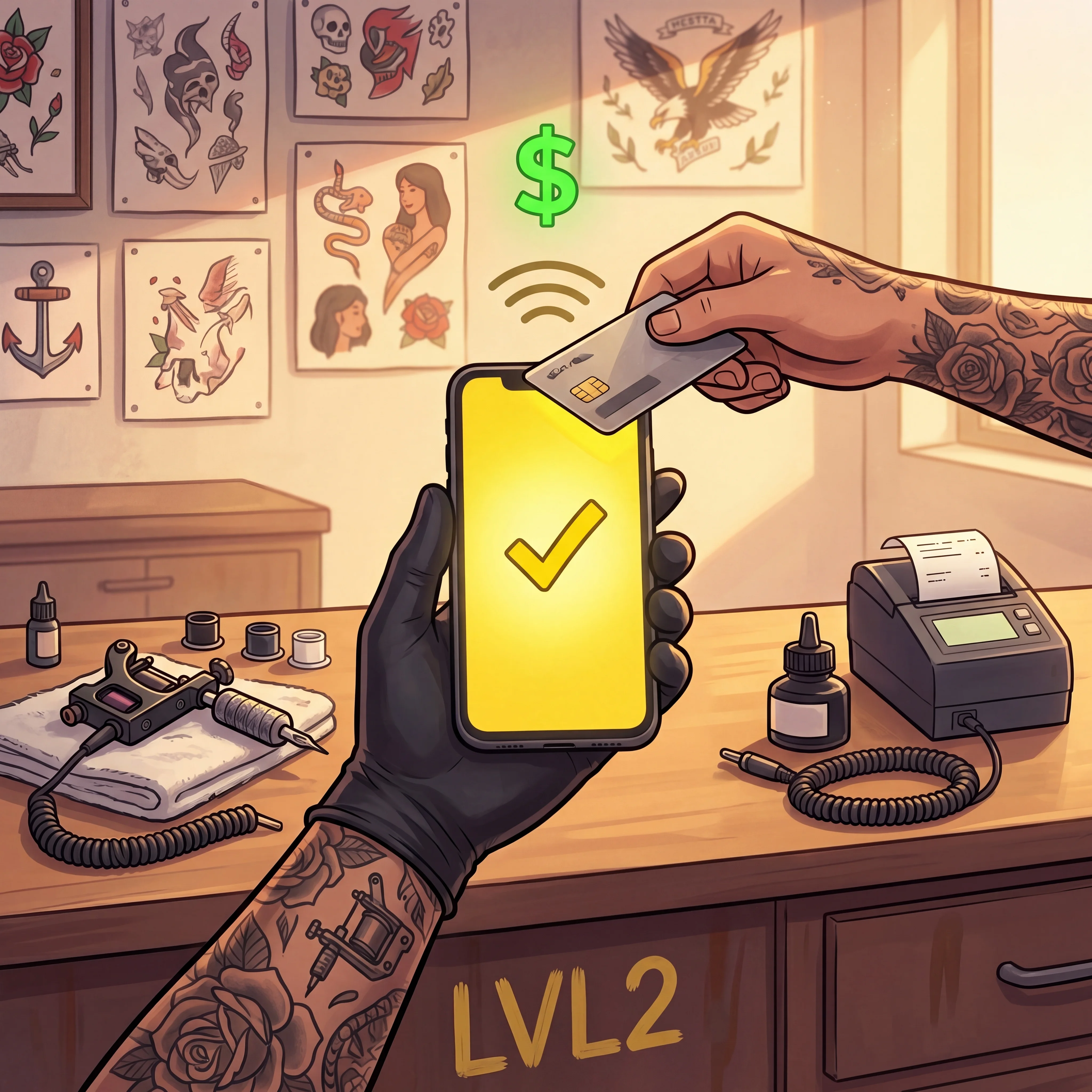
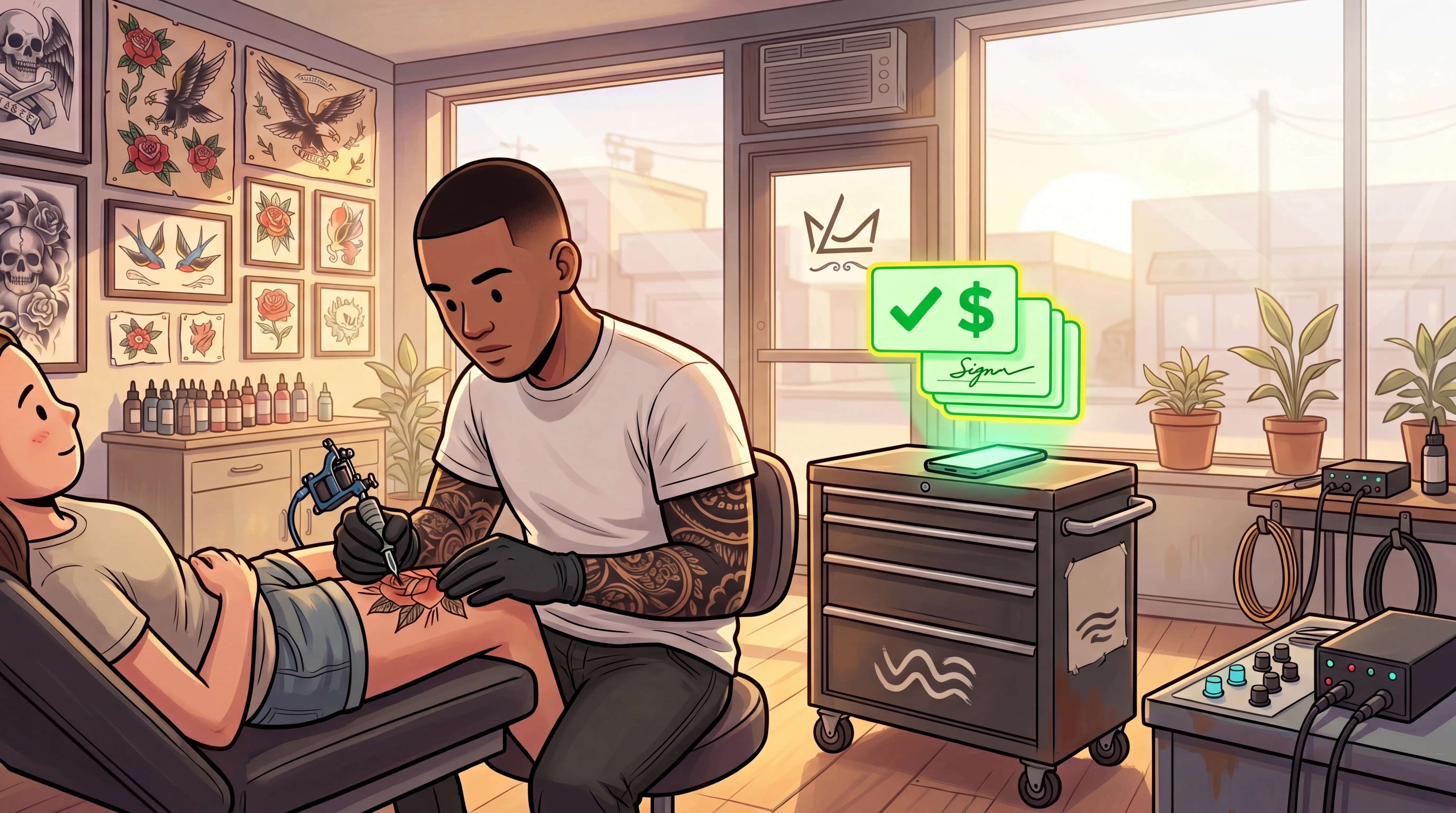
Deposits collected at booking. Funds land in your connected account. Instant payout at 2.5% when you need it fast.
Deposits · LiveInstant pay · 2.5%
/ 05
Check-in, waivers, and IDs at the door
Give walk-ins and appointments a clean intake lane before they sit down.
Waiver · eSign
/ 06
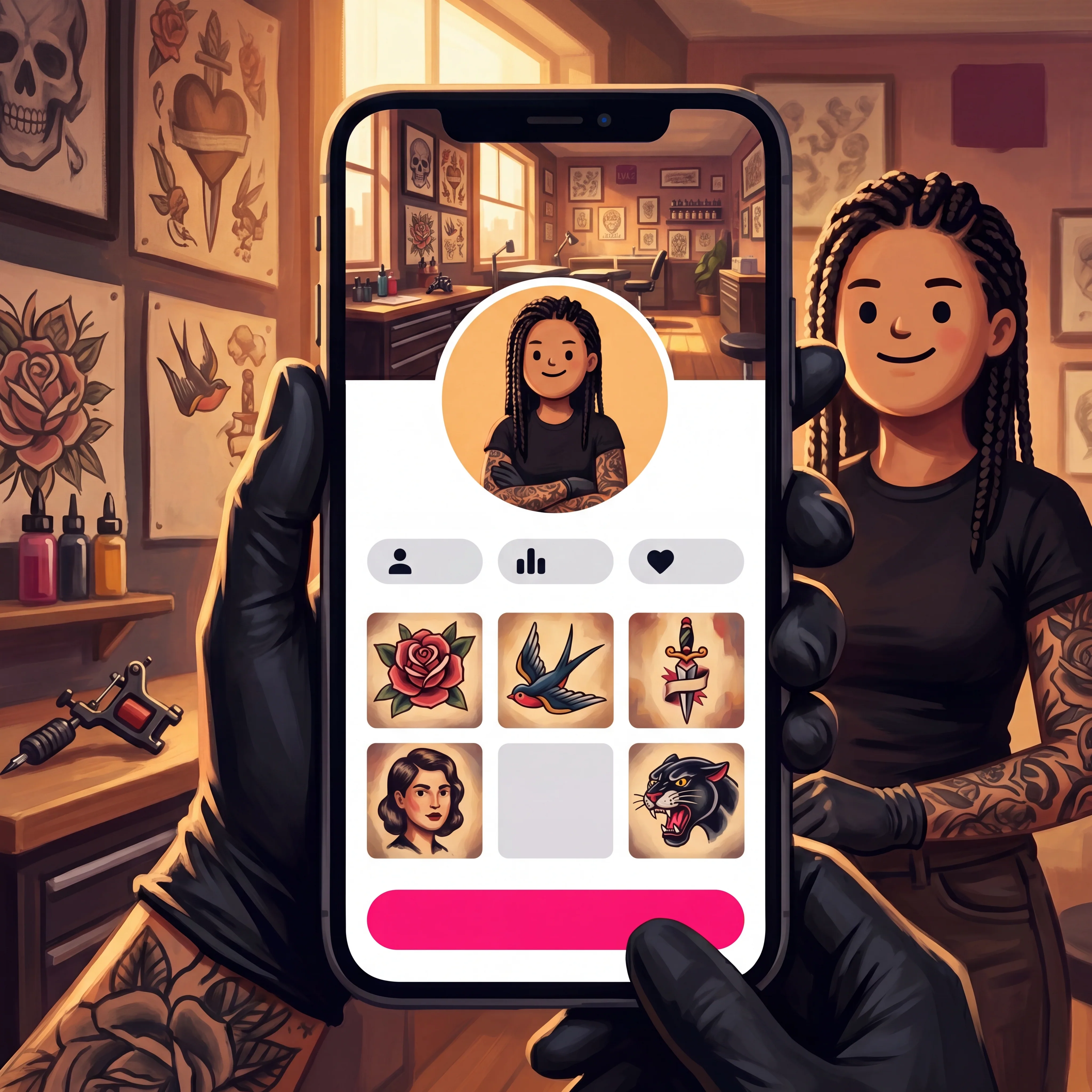
A profile built for booking, not vanity
Show your work, policies, socials, booking status, and services in one page clients can actually use.
Profile · FreeSetup · Guided
/ 07
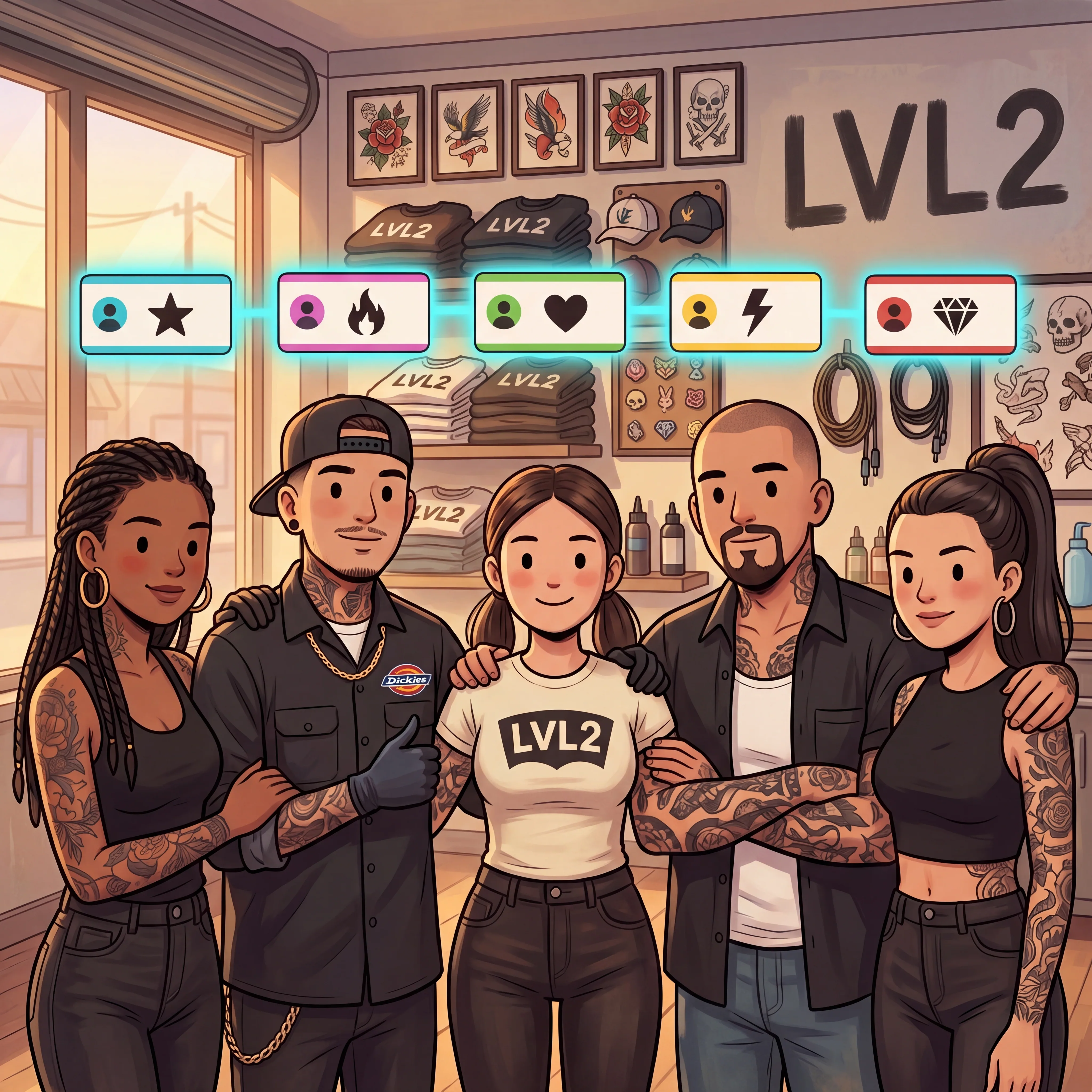
Studio roster without spreadsheet chaos
Bring artists into the same workspace while keeping shop-level and artist-level work separate.
Roster · InvitesReports · Shop + artist
02 · SHOP TOOLS
Bookings are the start. LVL2 handles the work around them.
Print-on-demand merch, stencil prep, and promo assets live beside the booking flow so artists are not jumping between five tools after every request.
One shop flow. Fewer loose ends.
01
Print on demand
Print-on-demand merch on the same page clients already use.
Turn your artwork into shirts, prints, stickers, and more without buying inventory. Publish once; POD products print, pack, and ship when someone orders from your page.
ArtworkUpload once
PricingYou set it
InventoryNone to stock
FulfillmentPrints + ships
LVL2.ink / Print on demand
02
Stencil lab
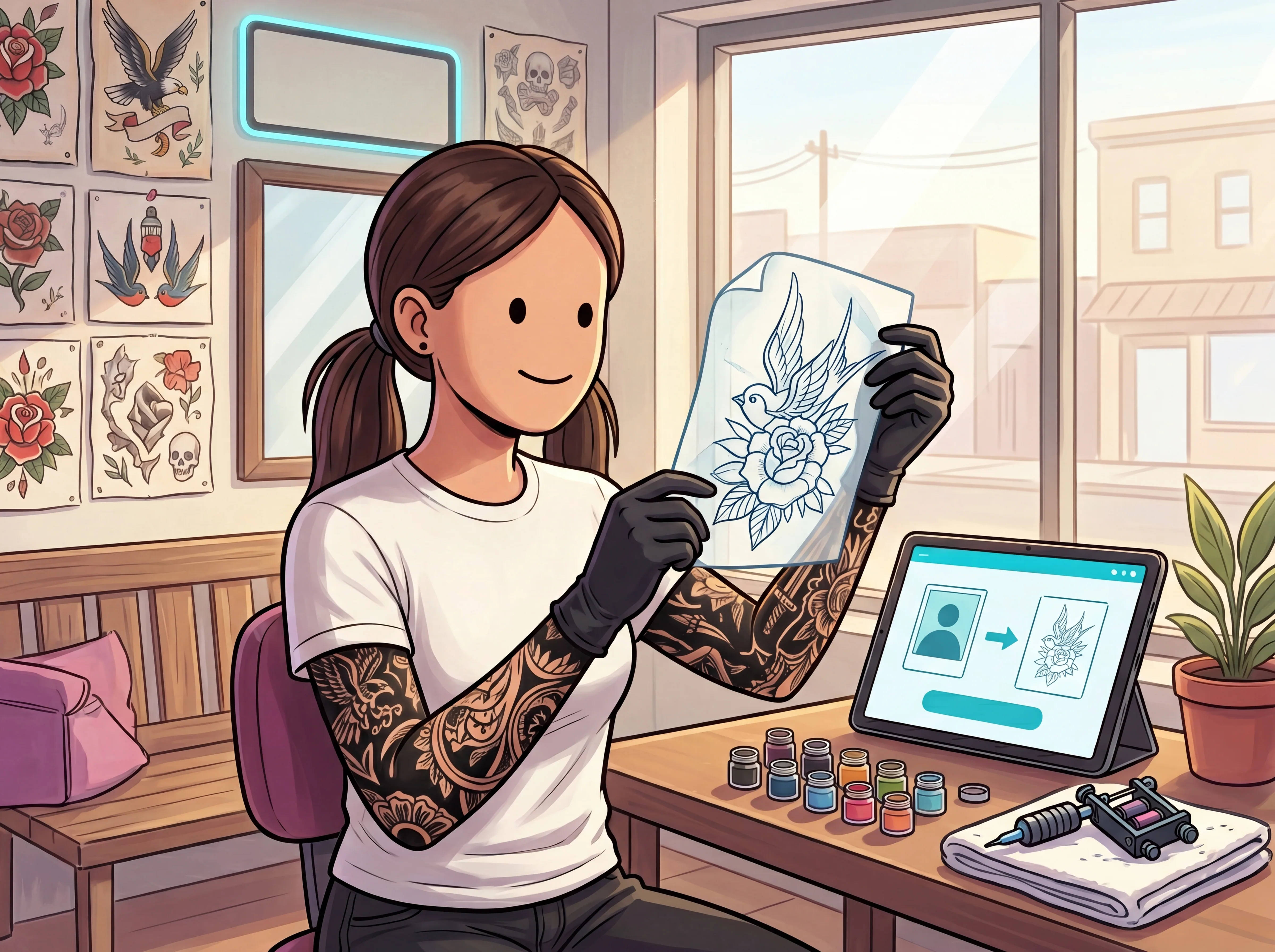
Stencil prep from the references clients send.
Reference in. Tattoo-ready line direction out. Not "AI art." A working stencil lane that stays inside the artist workflow instead of disappearing into another app.
InputAny ref
OutputClean lines
LVL2 / Stencil lab
03
Creative studio
Promo assets from the work you already shot.
Story tiles, flash-drop flyers, booking-open posts, promo crops. Built for the artist who would rather tattoo than open five design tools just to announce they have time next week.
FormatsExport ready
Use forSocial + drops
LVL2 / Creative studio
03 · HOW IT WORKS
Set up the flow. Run it from the shop.
Claim your handle, add your booking details, connect Google Calendar if you use it, and turn on the workflows that fit your shop.
01
● STEP 01
Claim your page.
Pick your handle. lvl2.ink/yourhandle. Add the profile, booking, and store details you want public.
02
● STEP 02
Wire up bookings.
Set your rates, policies, hours, and availability. Connect Google Calendar when you want LVL2 to account for external busy time.
03
● STEP 03
Take the machine off the desk.
Use the dashboard for the waitlist, waivers, client flow, reminders, store orders, and studio reporting.
05 · FROM ARTISTS ON LVL2
Real artists are already saying it.
5.0★ average on the App Store · APP STORE
★★★★★
Every booking collects the deposit before I even open my messages. My calendar finally pays for itself before the appointment starts.
Maya Lin
@mayalin.tattoo · Portland, OR · Fine line & florals
★★★★★
I used to spend two hours a night typing prices into Instagram DMs. Now clients book straight off my page and I just show up to tattoo.
Dante Osei
@dante.blackwork · Atlanta, GA · Blackwork & script
★★★★★
I drop a flash sheet on a Friday and it's booked out by Monday morning. LVL2 handles the queue so I'm not juggling screenshots.
Rosa Almeida
@rosa.ink · Providence, RI · Neo-traditional color
★★★★★
Guest spots used to mean spreadsheets and group texts. Now I open a shop's calendar, pick my dates, and the deposits still land in my account.
Kenji Arata
@kenji.tattoos · San Diego, CA · Japanese traditional
★★★★★
My payouts hit the same week, every week, without me chasing anyone for a Venmo. That alone changed how I plan my month.
June Park
@junepark.ink · Denver, CO · Illustrative realism
★★★★★
No-shows used to eat a full day every week. Since clients pay a deposit to hold the slot, that day is back.